

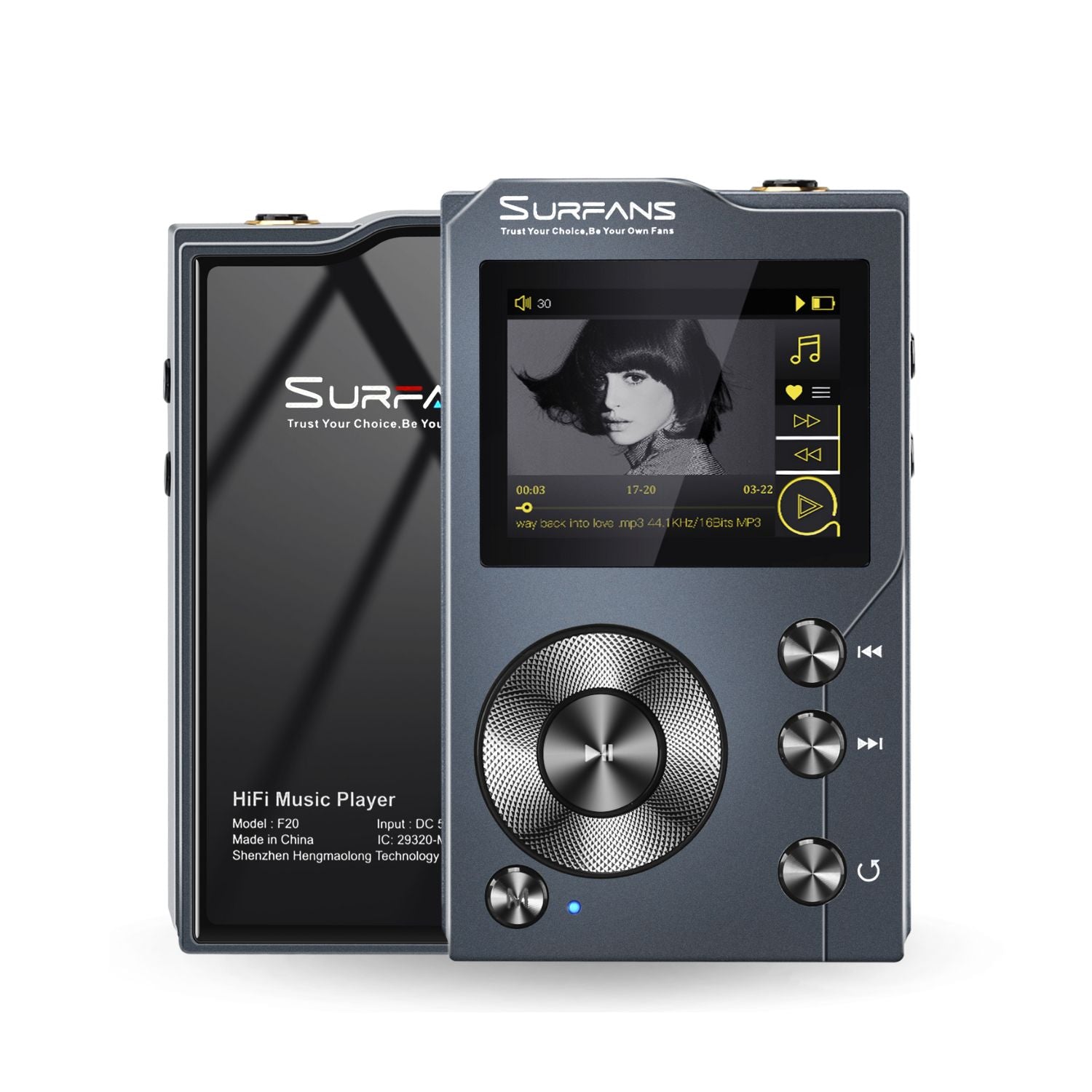
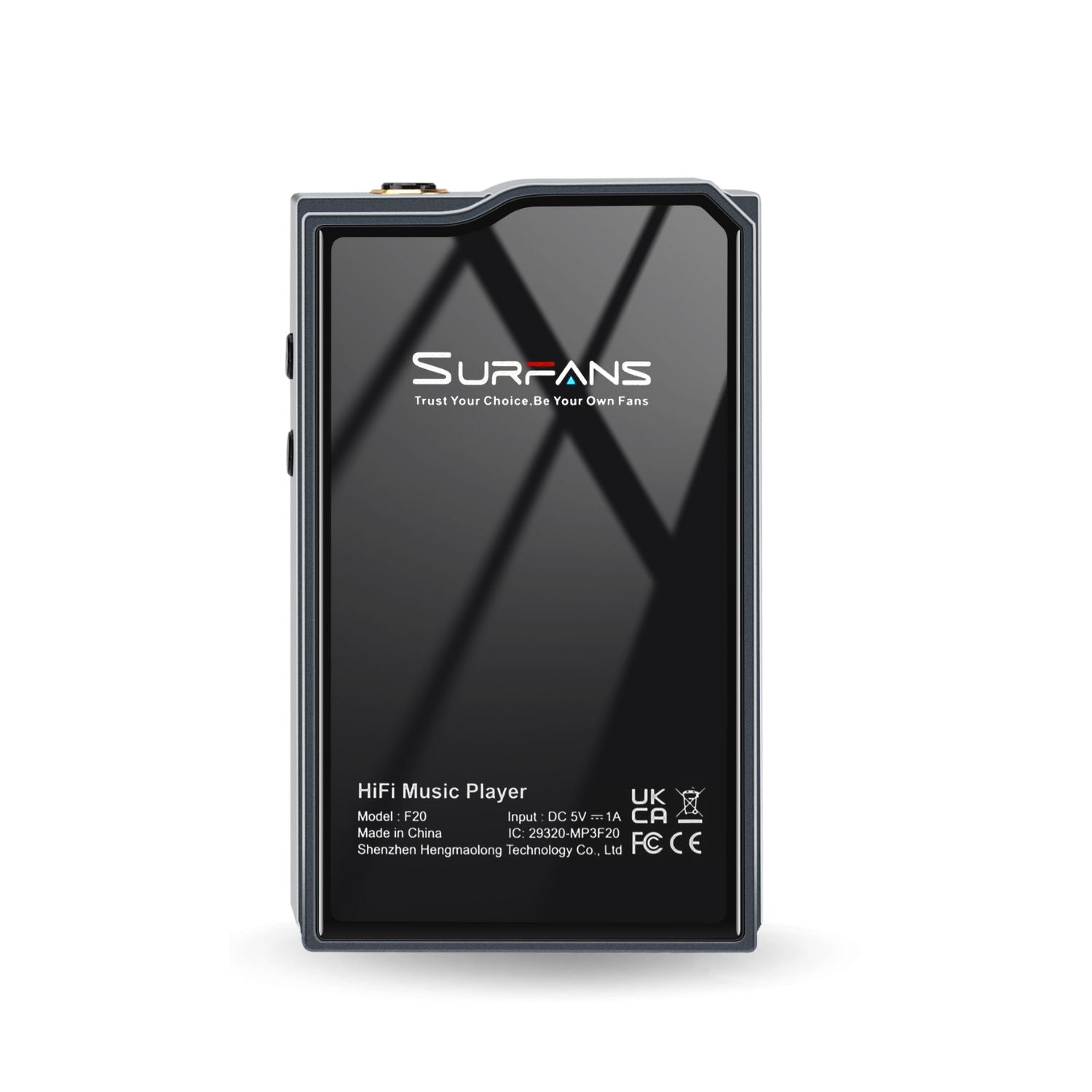
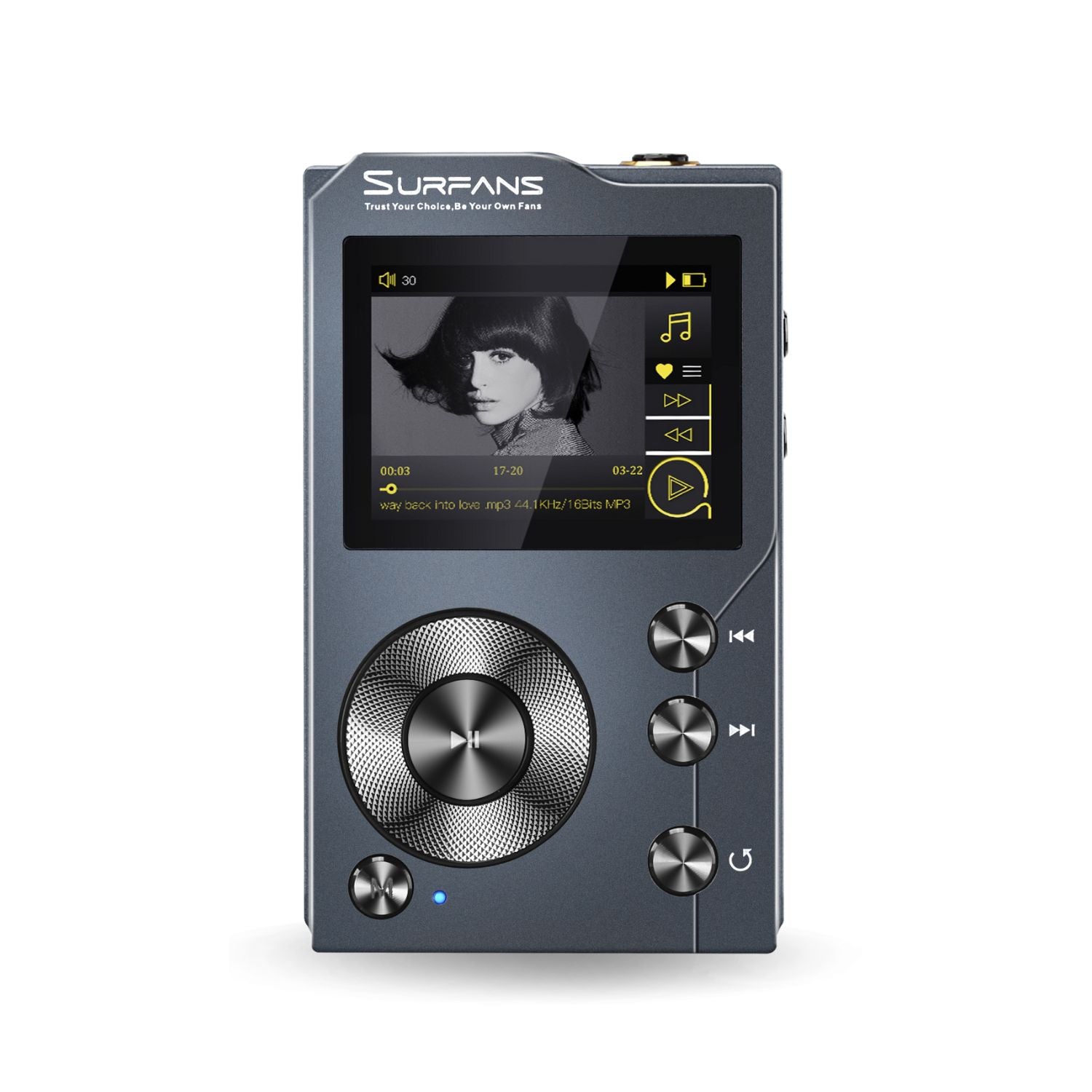
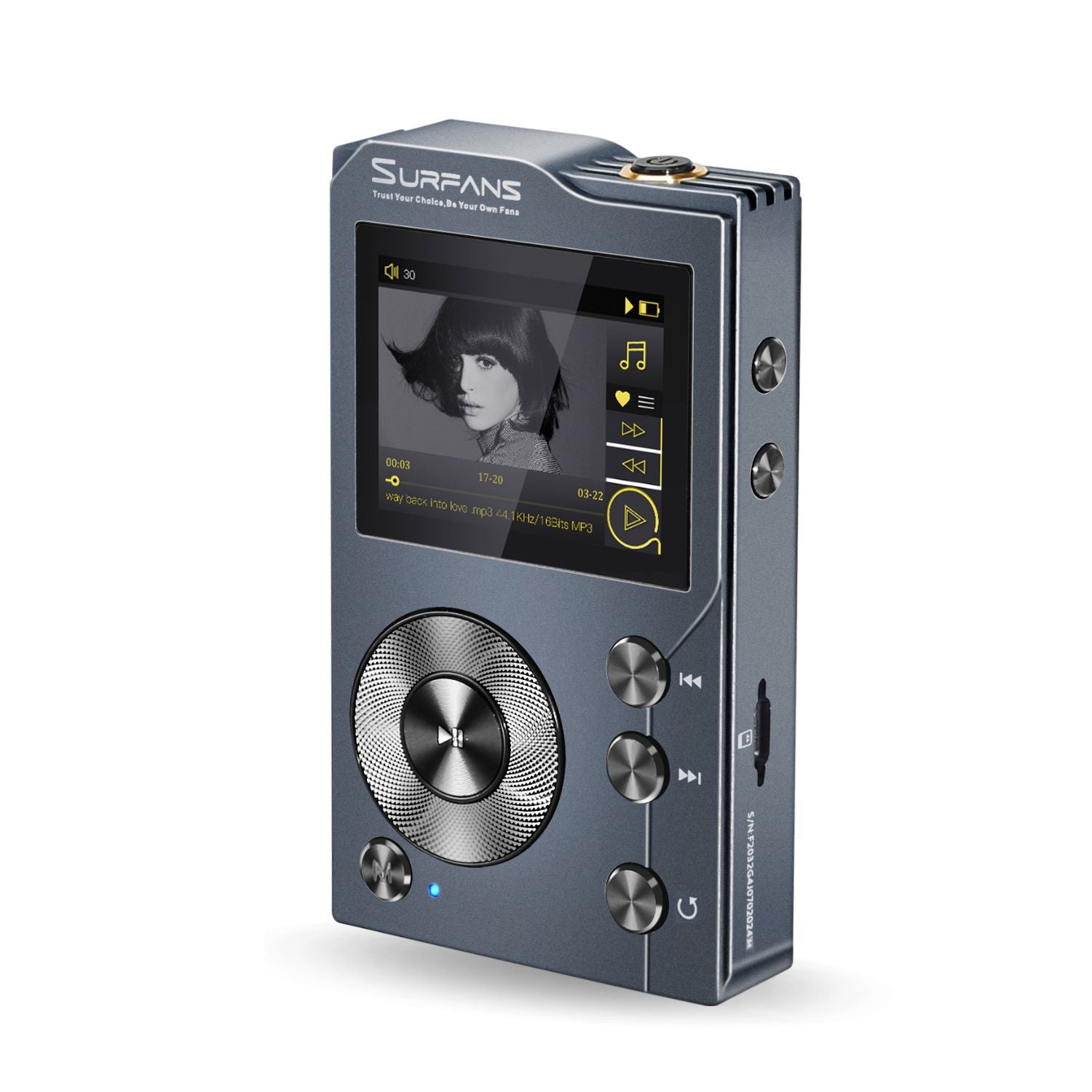
Surfans F20 HiFi MP3 Player
Surfans F20 HiFi MP3 Player


Pre-sale discount
- ES9018K2M DAC + dedicated amp for crystal-clear audio.
- DSD decoding & Hi-Res support for stunning detail.
- CNC aluminum body with ALPS precision knob.
- 2.0" wide-view TFT screen, sharp and clear.
- Supports FLAC, WAV, APE, DSD, and more.
- Bluetooth 5.2 with AptX for high-quality wireless.
- Custom EQ presets: rock, jazz, classical, and more.
- LINE OUT for flexible audio connectivity.
- USB DAC mode enhances PC sound quality.
- 1500mAh battery for long-lasting playback.
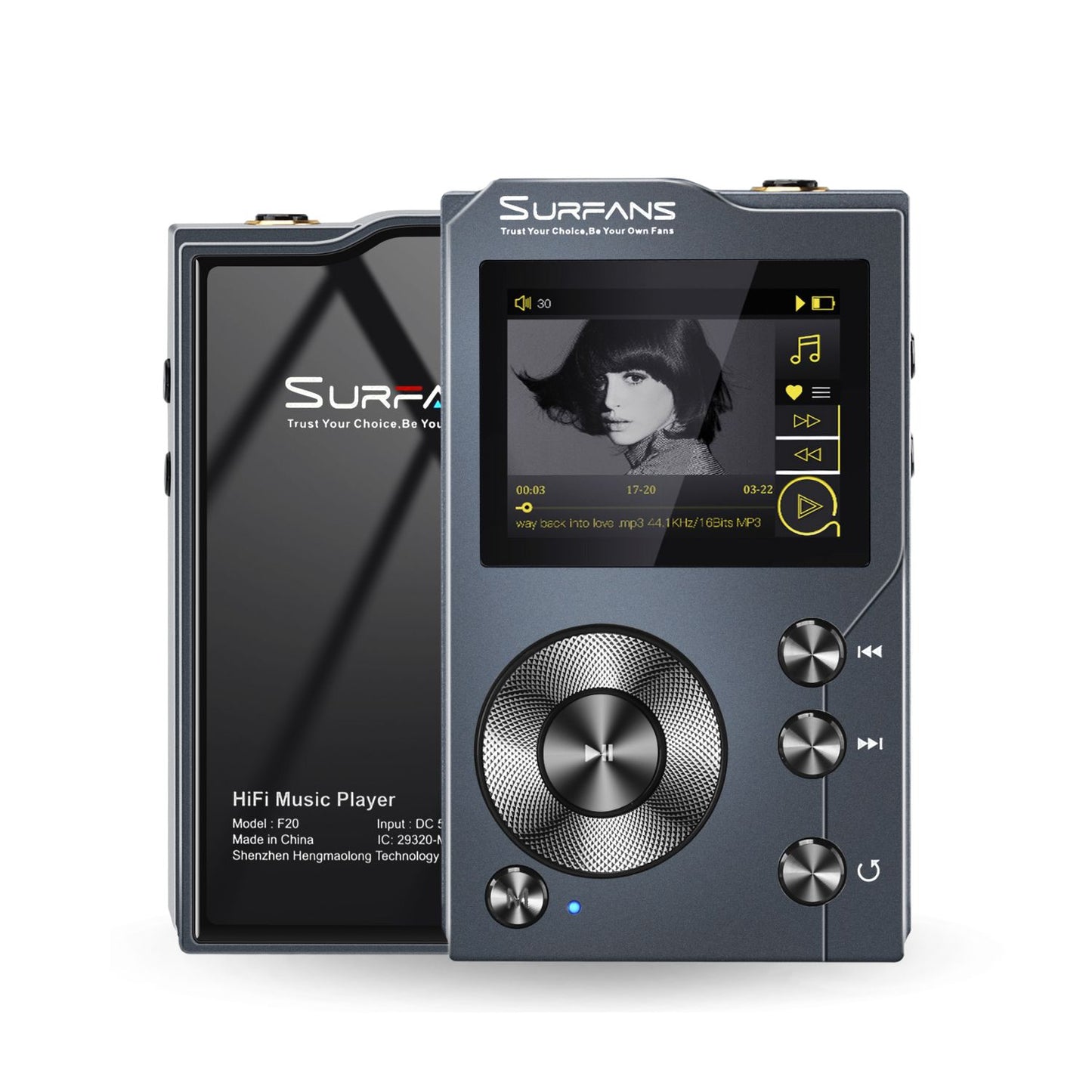
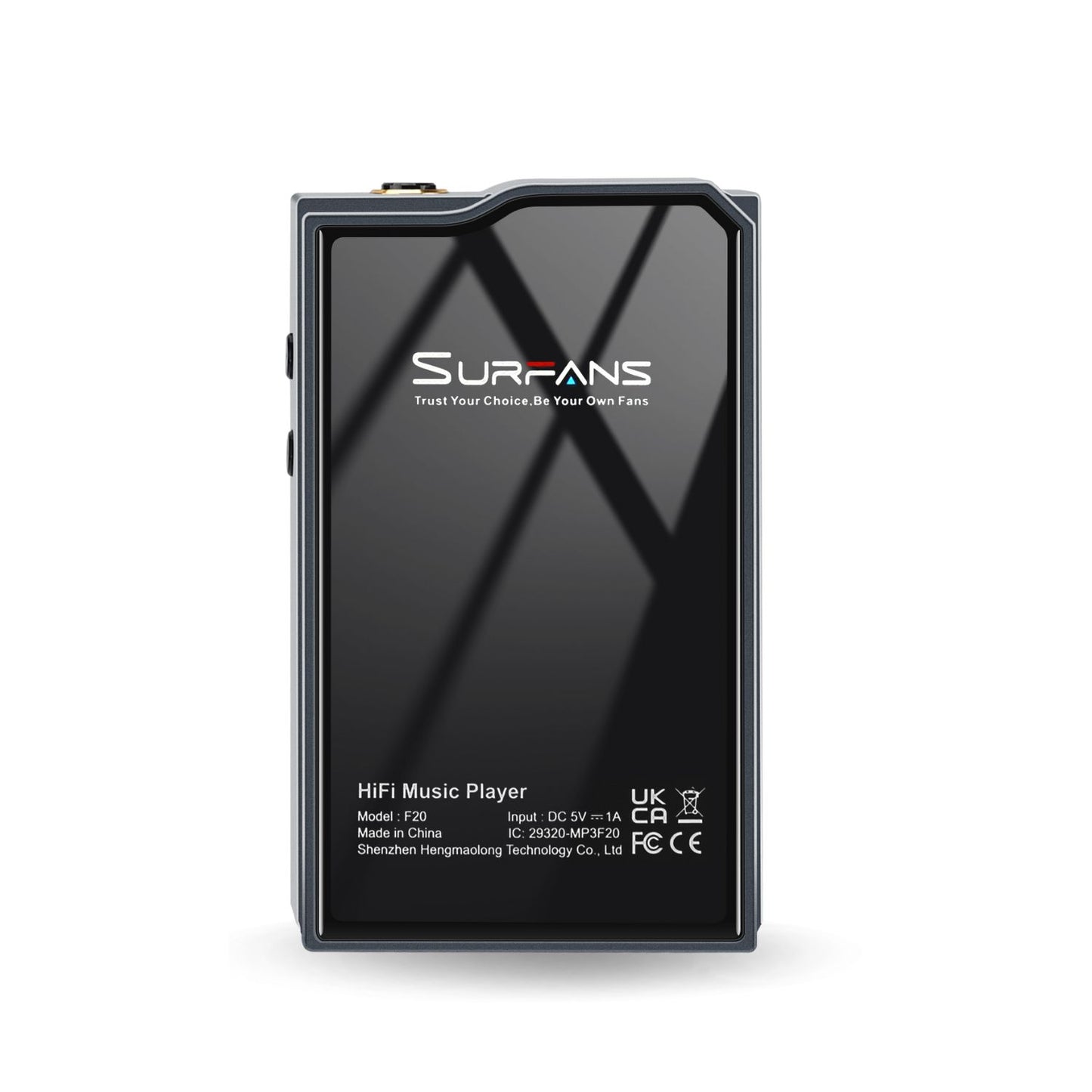
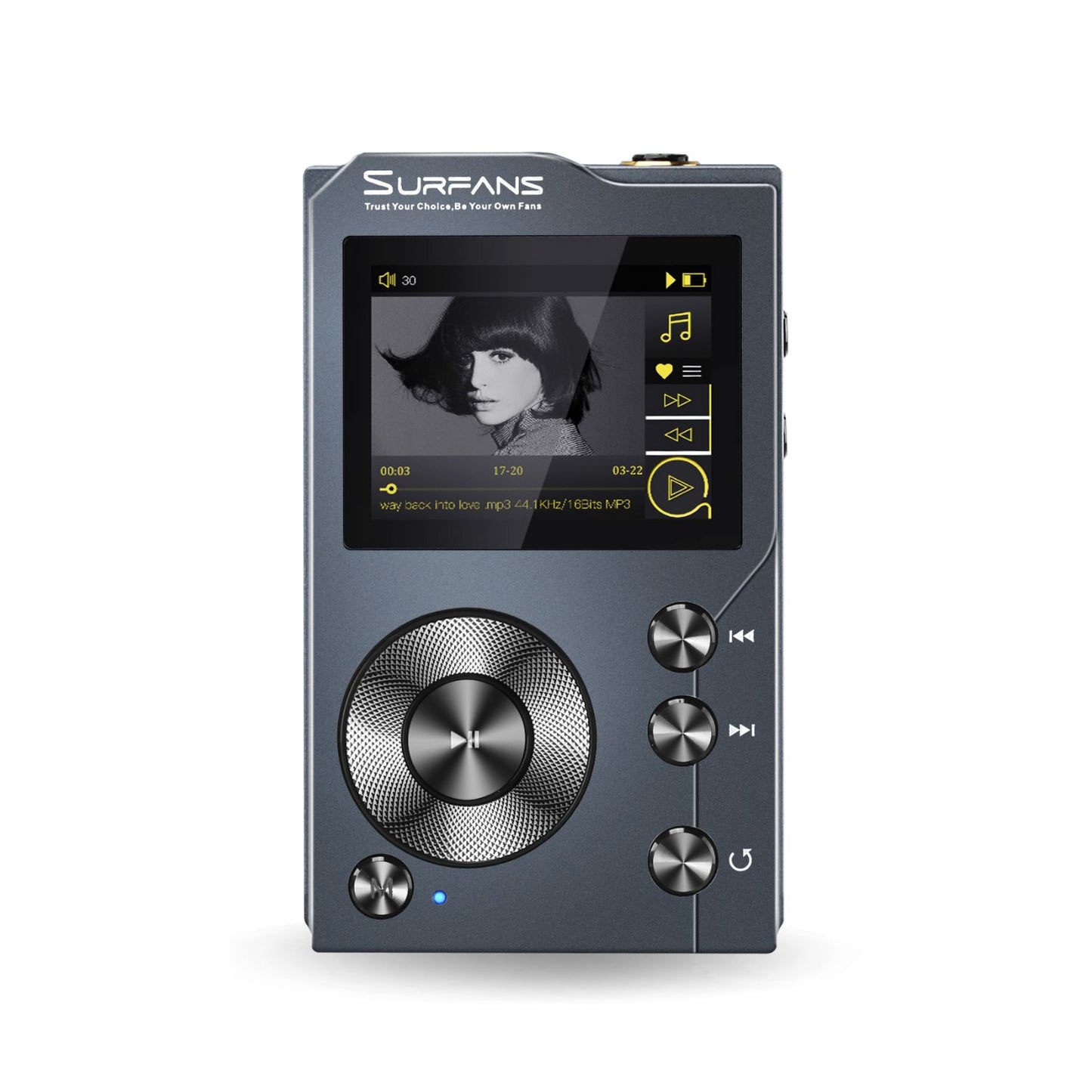
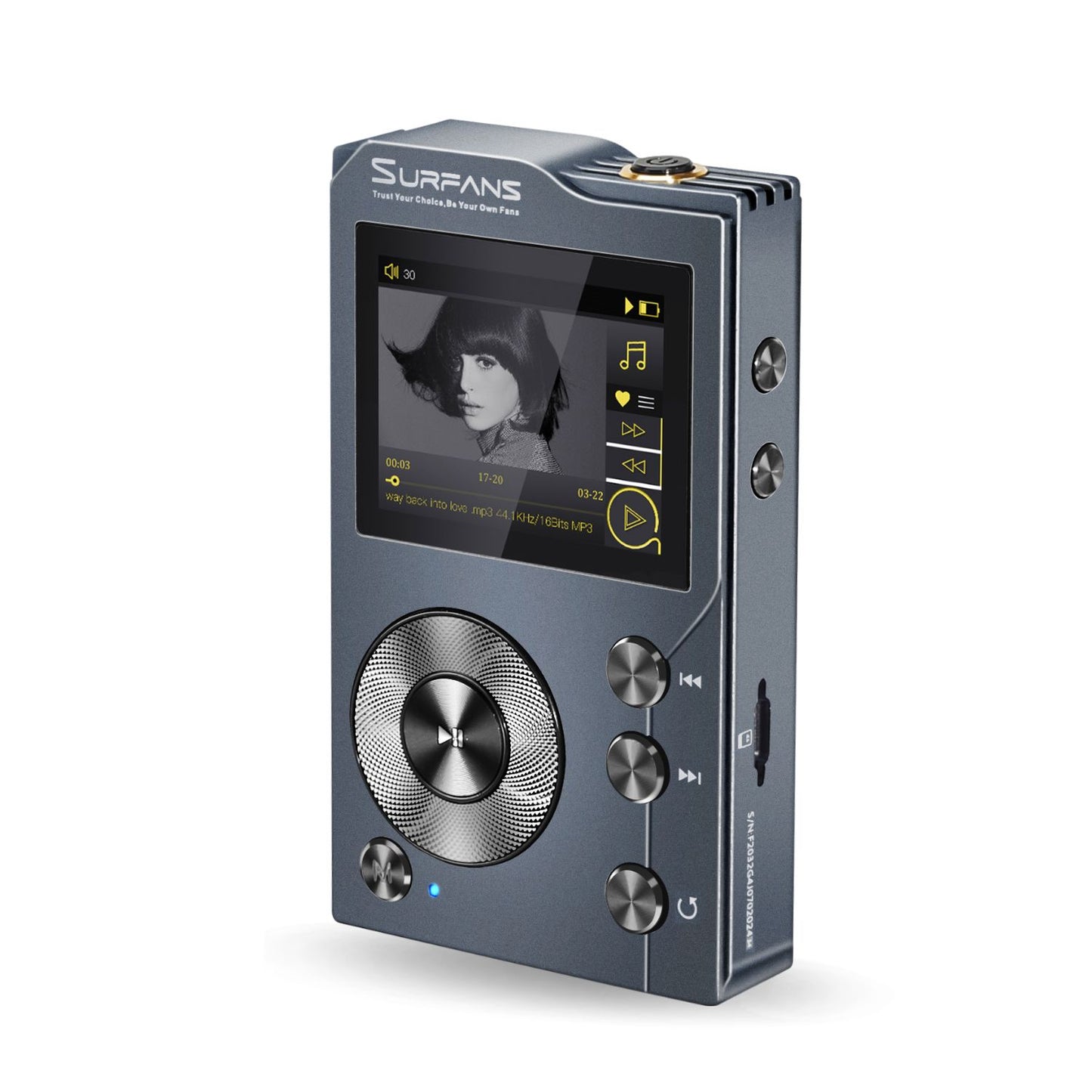


Surfans F20 Hi-Res Audio Music Player


USB-PC: Connect to your computer for quick file transfers.
USB-DAC: The player can be used as a computer decoding amp
USB-SPDIF:Output for High-Quality Sound


ALPS wheel for a premium feel and control.


Dual 3.5mm Ports
Headphone & Line-Out


What In Box?
· Surfans F20 Music Player ×1
· USB data cable × 1
· Memory card × 1
· User manual × 1
In DAC mode, the Surfans F20 functions as an external audio decoder for your computer.
How to use it:Set your Surfans F20 to DAC mode in the settings.
Connect the Surfans F20 to your computer via USB, and plug your headphones into the F20.
Set the audio output on your computer to the Surfans F20.Play music on your computer, and it will play through the headphones connected to the player.
If the device is not functioning correctly, it may be due to missing drivers on your computer. Please refer to the Support section on our website for detailed driver installation instructions.

Surfans F20 HiFi MP3 Player
view
|

Surfans F28 HiFi Music Player
view
|

Surfans F35 HiFi Music Player
view
|
|
|---|---|---|---|
| DAC chip | ES9018K2M | ES9018K2M*2 | ES9018Q2M*2 |
| THD | <0.005% | <0.005% | <0.005% |
| Dynamic Range | 108dB | 118dB | 120dB |
| Display | 2.0inches 320*240 Pixels | 3.5inches 320*480 Pixels | 4inches 480*800 Pixels |
| Frequency Response | 20-20kHz | 20-20kHz | 20-40kHz |
| SNR | 107dB | 109dB | 120dB |
| Max Headphone Output | 70mW(32Ω) | 3.5mmSE 125mW+4.4mmBAL 450mW(32Ω) | 3.5mmSE 125mW+4.4mmBAL 400mW(32Ω) |
| Battery | 3.7V/1500mA | 3.7V/2500mA | 3.7V/3000mA |